
IncidentSuite Response
From your CAD to every phone
IncidentSuite Dispatch takes each call from the CAD you run, puts it on the dispatch desk and pages it out with the tone your agency picked.
Dispatch
What it does
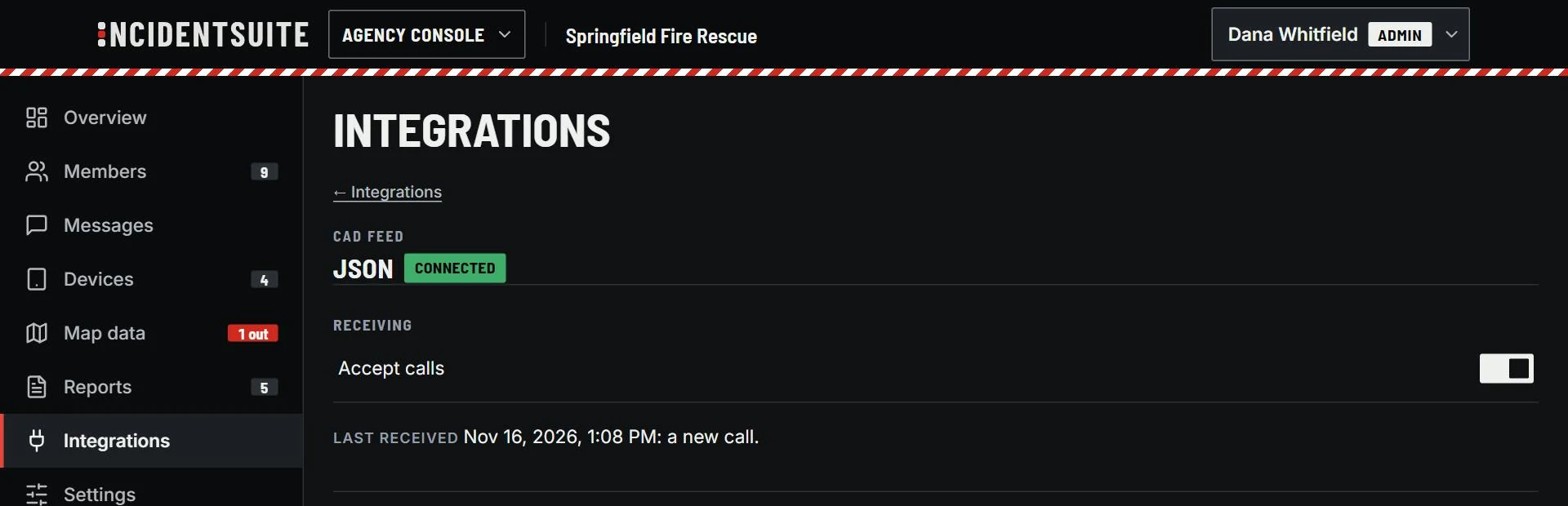
From your CAD
By JSON or email, or from your paging service. Match the fields once, test, turn it on.
A tone for each kind of call
Priority 1, fire, EMS and rescue each get their own. It plays on silent.
Units on the call
Assign units from the desk and follow each one's status and location.
Setting it up
- Match the fields
- Test
- Turn it on
IncidentSuite Response
Works with
MDT
The call, the map and the crew on phones and the cab tablet.
Status Board
Every unit's status on the bay TV, readable across the room.
Incident Reports
Incident reports filled from the run, reviewed, certified and sent to NERIS.